


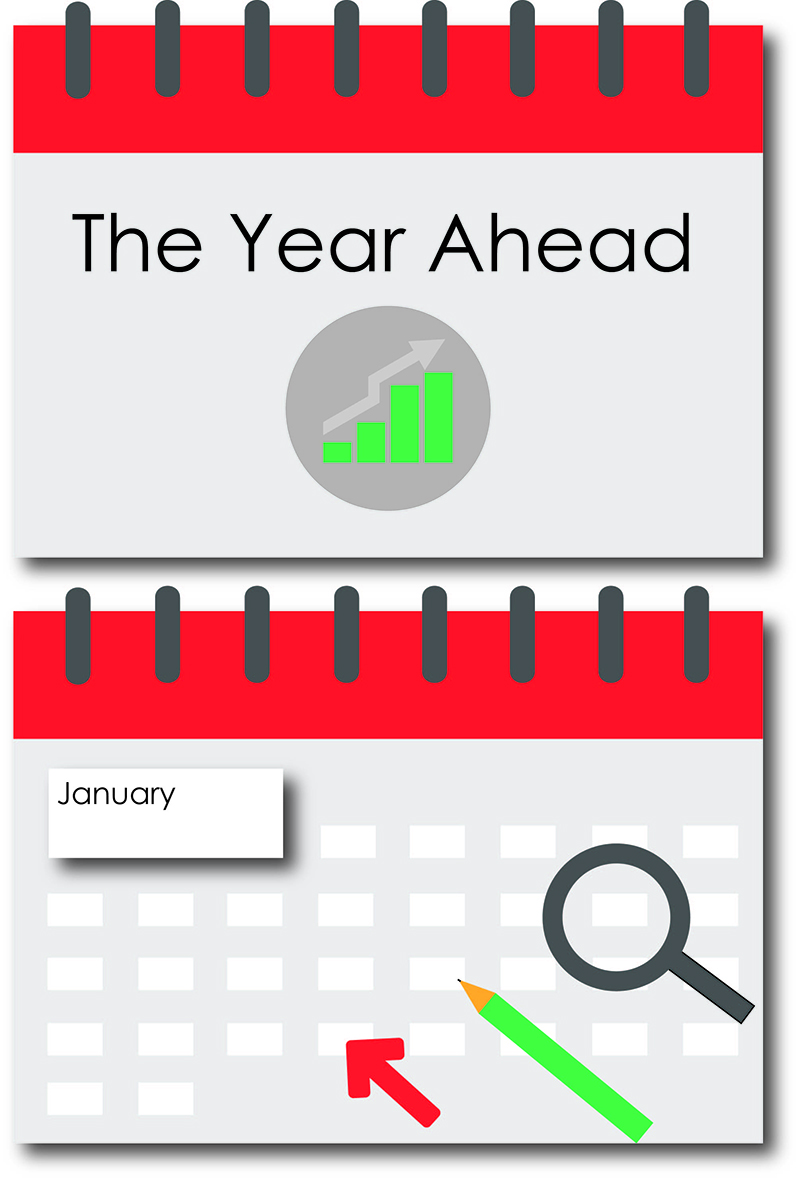
Make good use of the ‘front’ page by adding a title, company logo or relevant image. This is also a great place to give an introduction to your presentation, and let your audience know what to expect.
On the ‘month’ page, the larger white rectangle is effective as a Section Header. Simply add a title, or include a brief introduction to this part of your presentation.
Delve deeper into particular subject areas, using the white spaces and zooming to them.
Tip: Animate the tools (arrow, magnifying glass and pencil) to appear, highlighting a particular area, before zooming to it. This works really well, especially with the magnifying glass, as you will zoom straight though it to investigate further!
Where you start and finish is totally up to you. Start zoomed in and zoom out to reveal, or start zoomed out and zoom in for emphasis. Pan (move around) to distinguish between different ideas and sections in your Prezi. Avoid regular panning all the way across your canvas, as it can make your audience feel dizzy and confuse your message. Close proximity of content will reinforce the links in your story.
When designing templates, we always have the 3 Act Speech Structure in mind, to help you create a well organised, structured and memorable presentation. As always, you can use them as you want, and over and over again.
I hope you enjoy this template, along with our others. We are always interested to hear how you have used them!